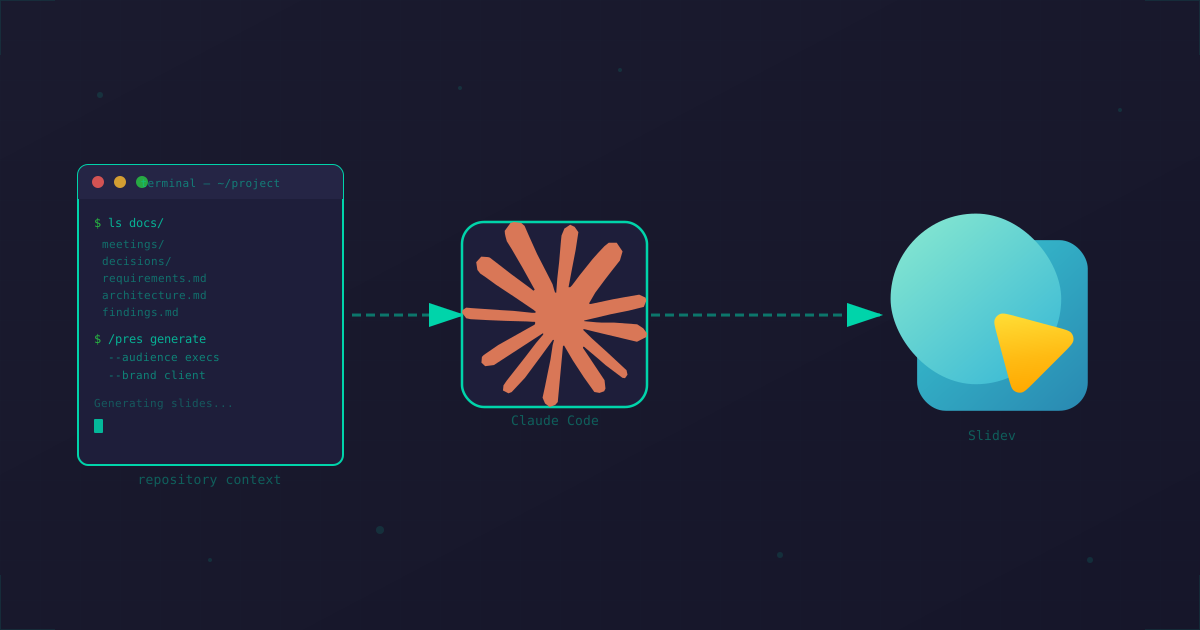
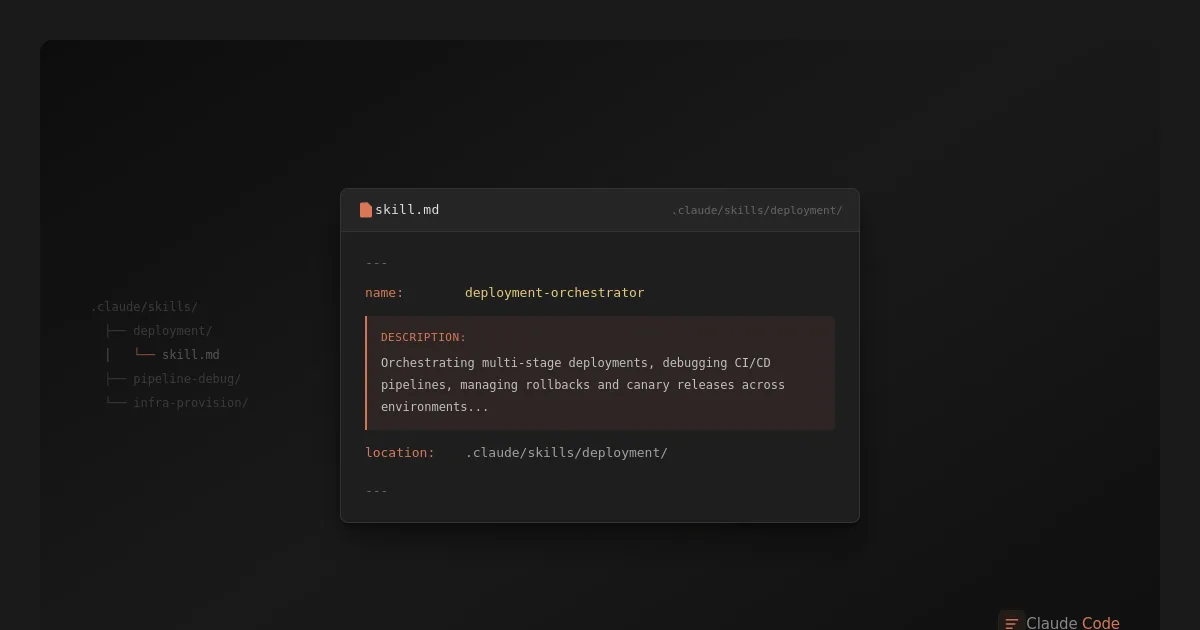
Human writes, AI formats, build script optimizes - no database, no CMS, just static files and a 1,500-line Node.js script.
Contents
- The Philosophy: Zero Runtime Dependencies
- AI-Assisted Writing (Not AI-Generated)
- The Build Pipeline
- Diagram Rendering with Caching
- Image Optimization Pipeline
- What About Comments and User Input?
- The Complete Architecture
- The Developer Experience
- Why Not WordPress?
The Philosophy: Zero Runtime Dependencies
Most blogs today run on WordPress, Ghost, or some headless CMS with a database backend. Every page view triggers queries, every comment needs storage, and somewhere there's a server processing PHP or Node.js.
This blog takes a different approach: nothing runs at runtime.
The entire site is static HTML files. No database. No server-side processing. No CMS admin panel. Just files served directly to your browser.
Production server responsibilities:
├── Serve static HTML files
├── Serve static CSS/JS files
├── Serve optimized images
└── That's it. Really.
AI-Assisted Writing (Not AI-Generated)
Let me be clear about what "AI-powered" means here: I create the content. Claude Code handles the mechanics.
The ideas, structure, facts, opinions, and voice? All mine. I dictate, ramble into voice notes, jot down bullet points, sketch out what I want to say. The raw material is pure human brain dump.
What Claude Code does:
- Converts my messy notes into proper Markdown structure
- Handles frontmatter formatting (I never remember the YAML syntax)
- Suggests where to break sections
- Cleans up dictation artifacts
What Claude Code doesn't do:
- Invent facts or opinions
- Decide what the article is about
- Generate filler content
- Write without my direction
The workflow looks like this:
- I have an idea, often captured as voice notes or scattered bullet points
- I invoke the blog-write skill and describe what I want
- Claude structures my input into article format
- I read everything - often requesting restructuring, rewording, or editing directly myself
- Multiple rounds of "no, move this section" or "that's not what I meant"
- Final article saved as Markdown
Sometimes I'll dictate an entire article stream-of-consciousness and Claude's job is just to make it readable. Other times I'll provide an outline and we'll build it section by section. Either way, the thinking is mine - Claude is the transcriptionist with good formatting skills.
It's like having an editor who's infinitely patient with revision requests and never complains when you restructure the whole piece for the third time.
Even cover images follow the same pattern - I describe what I want, Claude generates options, I pick and iterate. The visual assets are AI-generated, but the creative direction is mine.
---
title: "Article Title"
slug: article-slug
date: 2026-01-14
tags: [relevant, tags, here]
summary: "SEO-friendly summary."
---

Article content in Markdown...
All content lives in a simple folder structure:
content/blog/
├── article-one/
│   ├── index.md
│   └── cover.webp
├── article-two/
│   ├── index.md
│   └── diagram.png
└── _draft-article/      ← underscore = not published
    └── index.md
The Build Pipeline
When I run npm run blog:build, a 1,500-line Node.js script transforms everything:
The build script handles:
- Markdown parsing - Custom parser, zero dependencies
- Frontmatter extraction - YAML metadata for each article
- HTML generation - Templates with proper SEO tags, Open Graph, JSON-LD
- Tag pages - Auto-generated archives for each tag
- RSS feed - 20 most recent articles
- Sitemap - For search engines
Diagram Rendering with Caching
Those Mermaid diagrams you see? They're written as code blocks in Markdown:
```mermaid
flowchart TD
    A[Start] --> B{Decision}
    B -->|Yes| C[Do Something]
    B -->|No| D[Do Something Else]
```
During build, the script:
- Extracts diagram code blocks
- Hashes the content to create a cache key
- Checks if we've rendered this exact diagram before
- If cached: uses the stored SVG
- If new: sends to Kroki API, caches the result
.cache/diagrams/
├── a1b2c3d4.svg    ← cached diagram
├── e5f6g7h8.svg
└── ...
The caching is content-based. Change a single character in a diagram, and it re-renders. Keep it the same across multiple articles, and it's only rendered once.
Supported diagram types:
- Mermaid - flowcharts, sequence diagrams, state machines
- PlantUML - UML class diagrams
- D2 - modern declarative diagrams
- Graphviz - graph visualizations
Image Optimization Pipeline
Every image goes through automatic optimization:
The generated HTML uses proper srcset attributes:
<picture>
  <source type="image/webp"
          srcset="image-400w.webp 400w,
                  image-800w.webp 800w,
                  image-1200w.webp 1200w"
          sizes="(max-width: 800px) 100vw, 800px">
  <img src="image-800w.webp" alt="Description" loading="lazy">
</picture>
Browsers automatically pick the right size. Mobile users get small files. Desktop users get crisp images. Everyone wins.
Like diagrams, image processing is cached:
.cache/images/
├── 0836407e.json           ← metadata
├── 0836407e/
│   ├── image-400w.webp
│   ├── image-800w.webp
│   └── image-1200w.webp
Change an image, it re-processes. Keep it the same, instant builds.
What About Comments and User Input?
There aren't any.
No comment system means:
- No spam to moderate
- No database to maintain
- No authentication to secure
- No GDPR headaches with user data
If readers want to discuss an article, they can reach out directly or find me on GitHub. The contact form exists, but it just sends an email - no data stored.
The Complete Architecture
Here's the full picture:
The beauty is in what's missing:
| Traditional Blog | This Blog |
|---|---|
| Database server | None |
| CMS application | Claude Code skill |
| Image CDN service | Build-time optimization |
| Comment system | None |
| Admin authentication | None |
| Server-side runtime | None |
The Developer Experience
For developers, this workflow feels natural because everything stays in tools you already use:
Your entire blogging setup:
├── VS Code           → write and edit markdown
├── Terminal          → build and deploy
└── Claude Code       → AI-assisted writing
Compare that to WordPress:
WordPress workflow:
├── Browser           → log into admin panel
├── Gutenberg editor  → fight with block layouts
├── Plugin settings   → configure SEO, caching, security...
├── phpMyAdmin        → when things break
├── FTP client        → for manual fixes
└── Separate IDE      → if you need custom code
With the static approach, there's no context switching. You're in VS Code writing code, and then you're in VS Code writing prose. Same keybindings, same Git workflow, same terminal commands.
Need to reference another article? Cmd+P and search. Want to see all posts with a certain tag? grep. Deploying? Same git push you use for everything else.
The mental overhead disappears when your blog is just... files.
Why Not WordPress?
I considered WordPress. Everyone uses it, tons of plugins, mature ecosystem. But:
- Slow - Database queries on every page load, PHP overhead, plugin bloat
- Vulnerable - Constant security updates, plugin vulnerabilities, brute force attacks on wp-admin
- Messy - Theme files scattered everywhere, hooks and filters you can't trace, database migrations
- Hard to customize - Want to change how images work? Good luck navigating the media library codebase
This entire blog system? Two hours to build.
And here's the ridiculous part: 30 minutes of that was a remote Claude Code session from my iPhone while riding the subway. I had the architecture in my head - the build pipeline, image optimization, diagram caching, all of it. I just described it to Claude, we planned the implementation, and ran it.
The key is filtering LLM output at every stage - catching inaccuracies in the plan before implementation starts, course-correcting during implementation, and doing a basic code review at the end. Not line-by-line scrutiny of every edge case - this is a static site with no login, no backend, no database, minimal attack surface. The review depth matches the risk. But the human stays in the loop: I designed it, Claude implemented it, I verified it does what I intended.
Two hours for a custom static site generator vs. two hours fighting with WordPress theme customization and still not getting what I want. Easy choice.
Why This Works
This setup isn't for everyone. You need:
- Comfort with the command line
- Version control for content (Git)
- An AI assistant that understands your workflow
But if you have those, you get:
- Zero maintenance - No updates, no security patches for a CMS
- Instant loading - Static files are fast
- Free hosting options - Static sites can go anywhere
- Version history - Git tracks every change
- AI collaboration - Claude handles formatting so you focus on ideas
The future of personal publishing might not be better CMSes. It might be no CMS at all - just smart tools that understand what you're trying to create.
This article was created using the same system it describes - I outlined the structure, dictated the ideas, and Claude helped format it into readable prose. Meta? Definitely.