Skills teach Claude your domain, subagents keep context clean, plan mode prevents mistakes, and the CLI ties it all together.
I deliberately avoided calling this a "mastering" guide. Claude Code evolves faster than anyone can master it. New features ship weekly. What worked last month might have a better alternative today.
This is a field guide—patterns that work right now, managing multiple projects, running data pipelines, building web apps, and automating everything I can. The goal isn't mastery. It's getting enough leverage that Claude handles the mechanical work while I focus on decisions.
The Business Case
Flat pricing makes this economically rational. I run subagents freely, let Claude explore extensively, and optimize for getting work done—not minimizing tokens.
What I get: architecture, implementation, review, testing, deployment capabilities. 24/7 availability. Perfect memory within context.
This isn't replacing judgment. I make decisions. Claude handles the mechanical work—and that's the majority of development time.
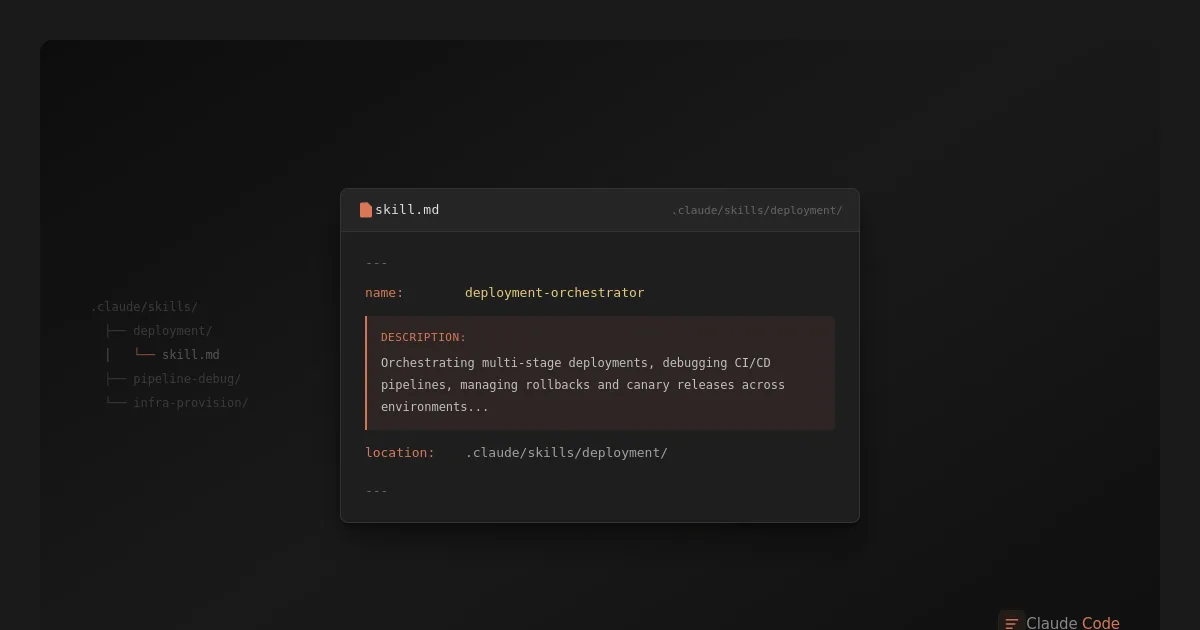
Skills: Teaching Claude Your Domain
Skills externalize project knowledge. When I return to a project after months away, I don't need to re-learn the codebase—Claude already knows it.
Key patterns:
- Simple skills: Markdown files with commands and known issues
- Complex skills: Main file + reference documentation for deep domains
- Migration decision skills: Capture research so you don't repeat it
- Documentation abstraction: Skills reference specific doc files/sections; CLAUDE.md enforces doc updates when code changes
Skills have a problem: Claude often ignores them. I wrote about the solution in Forcing Claude Code Skills to Actually Activate.
Subagents: Orchestration Without Context Pollution
Subagents are separate Claude instances that run tasks without polluting your main conversation's context. Long conversations accumulate baggage—failed attempts, irrelevant tangents. Subagents start fresh.
Key patterns:
- Research → Action: Subagent investigates, main conversation receives findings
- Parallel development: Backend, frontend, database, tests—all simultaneously
- Fresh context for reviews: Reviewers without the author's assumptions
Combined with git worktree, this enables true parallel development across multiple features.
Working With Claude Effectively
Beyond tools and workflows, how you interact with Claude matters.
Key patterns:
- Plan mode: Think before you build. Catch mistakes in planning, not implementation
- Trust your gut: Developer intuition catches what reasoning misses
- Step back: Fresh context (new session or subagent) when Claude gets stuck
- Challenge mode: Ask Claude to argue against your decisions
- Research first: Ask Claude to find industry patterns before implementing
CLI Orchestration
Claude Code runs in a terminal with access to everything: git, gh, gcloud, deploy scripts, and MCP servers for external services. One session can write code, run tests, create PRs, deploy to staging, and run reviews. Branch-based development with small commits for rollback, squash on merge for clean history.
Settings & Security
Allow reads/writes/edits within the repo, deny destructive commands and secrets access. Claude reads .env.example but not .env. Watch for hallucinated package names—a real security risk.
Environment & Efficiency
Pipe logs to files, grep what's relevant. direnv auto-loads credentials per project—impossible to deploy to the wrong account. On flat pricing, token efficiency is about speed; on pay-per-token, it saves real money.
Tools
Read the full deep-dive → (Diagrams and Documentation)
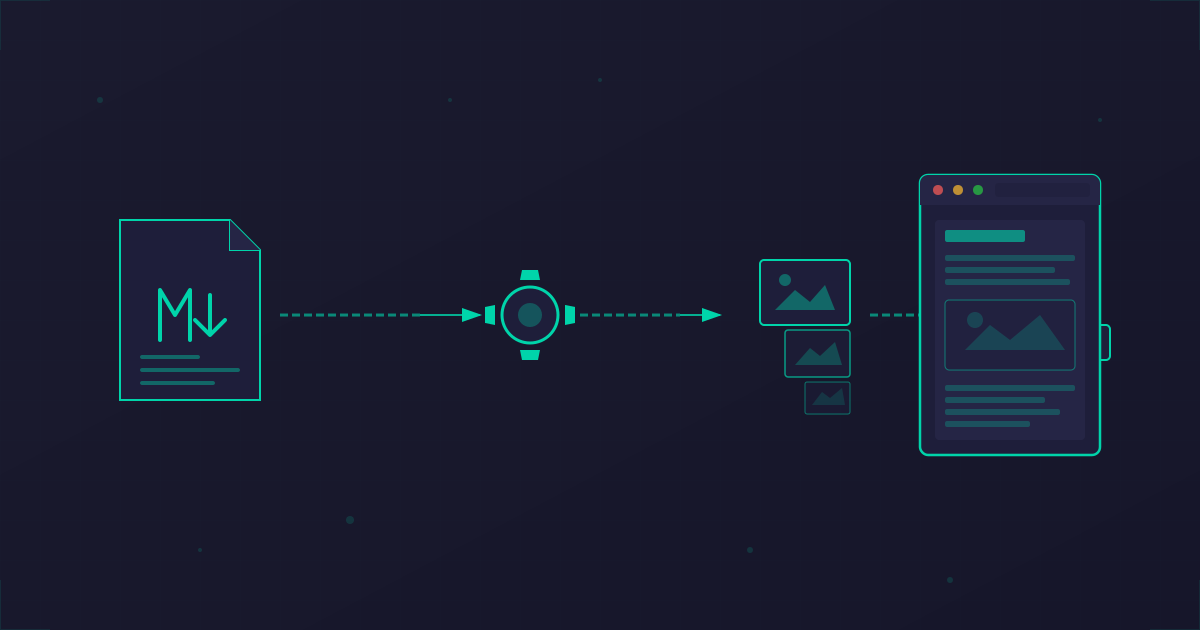
Claude generates Mermaid diagrams, DrawIO XML, and maintains living documentation. The docs+skills architecture keeps documentation as the source of truth with auto-updates when code changes. Visual iteration via screenshots and browser-based debugging with the Claude Chrome extension.
More tooling articles coming soon.
Deep Dives
Core Patterns:- Skills: Teaching Claude Your Domain
- Subagents: Orchestration Without Context Pollution
- Working Patterns: Plan Mode, Rubber Duck, and More
- CLI Orchestration
- Headless Mode & Batch Processing (coming soon)
- Diagrams and Documentation
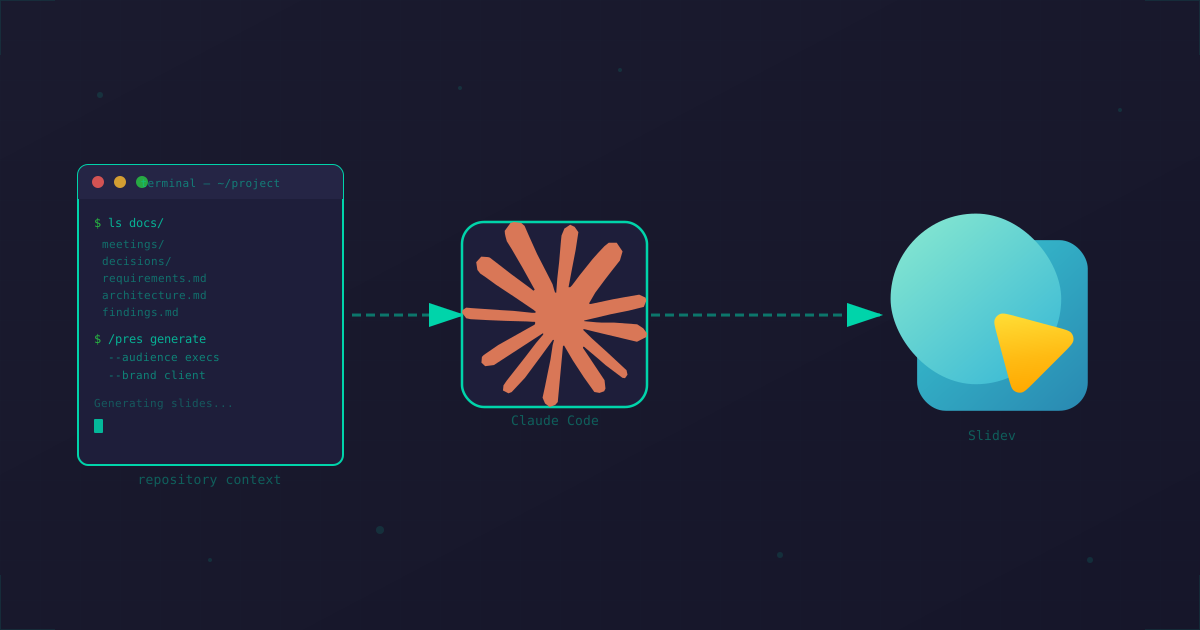
- Slidev Presentations (coming soon)
- MCP Servers (coming soon)
- Security Controls (coming soon)
- Forcing Skills to Actually Activate
- Why Claude Code (coming soon)
The tool evolves weekly. These patterns will too. Adapt what works, discard what doesn't, keep experimenting.